Table of Contents
Best Shopify Bulk Edit Apps for Large Catalogs (10,000+ SKUs)
Short answer: the best app for large catalogs is the one that minimizes operational risk at scale. Validation quality, workflow repeatability, filtering precision, and team collaboration matter more than one-off speed claims.
We compare the most popular Shopify bulk editing tools below and explain how to evaluate them for 10,000+ SKU operations.
Top Shopify Bulk Edit Apps Compared
| App | Approach | Best For | Key Strength |
|---|---|---|---|
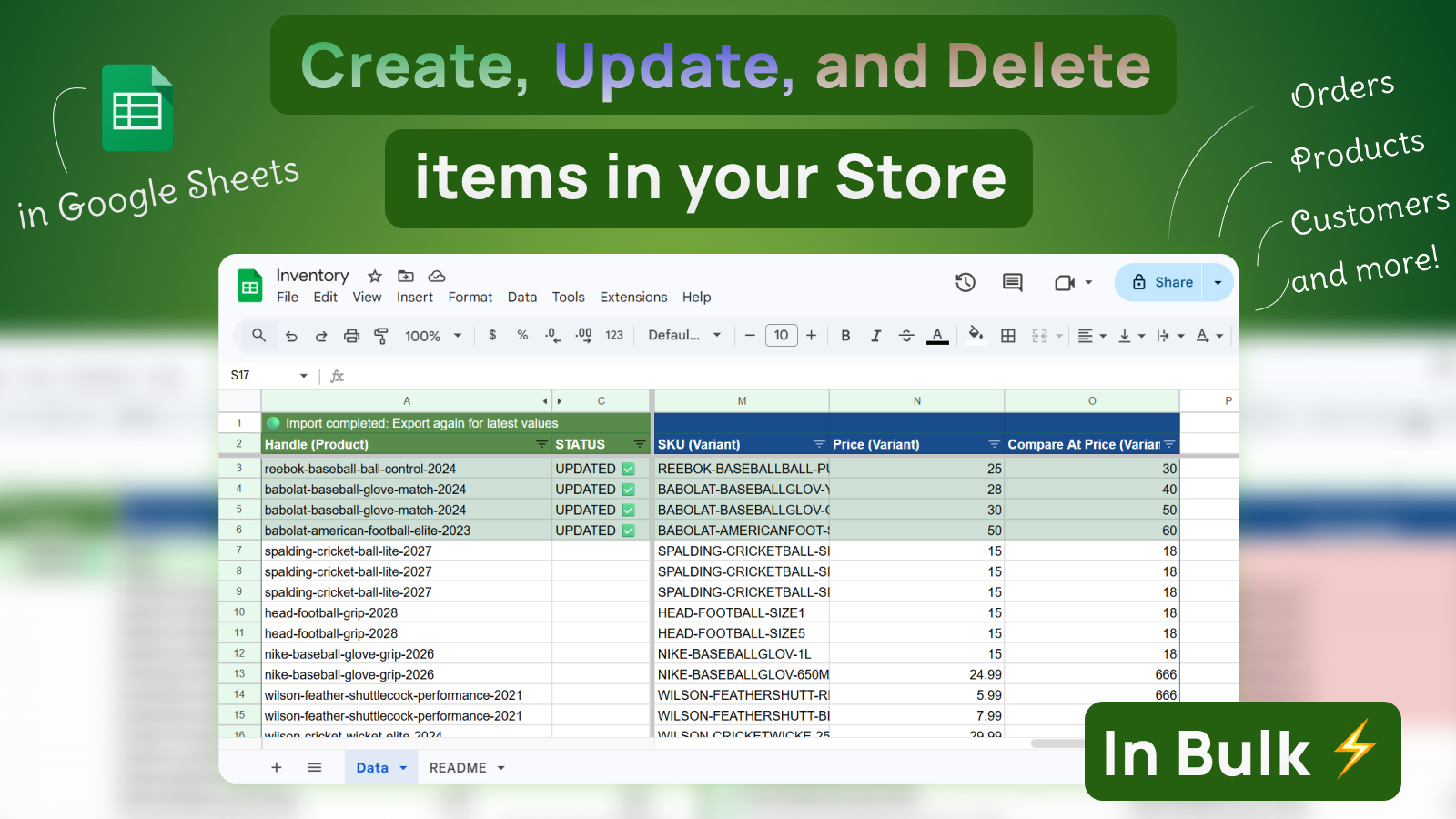
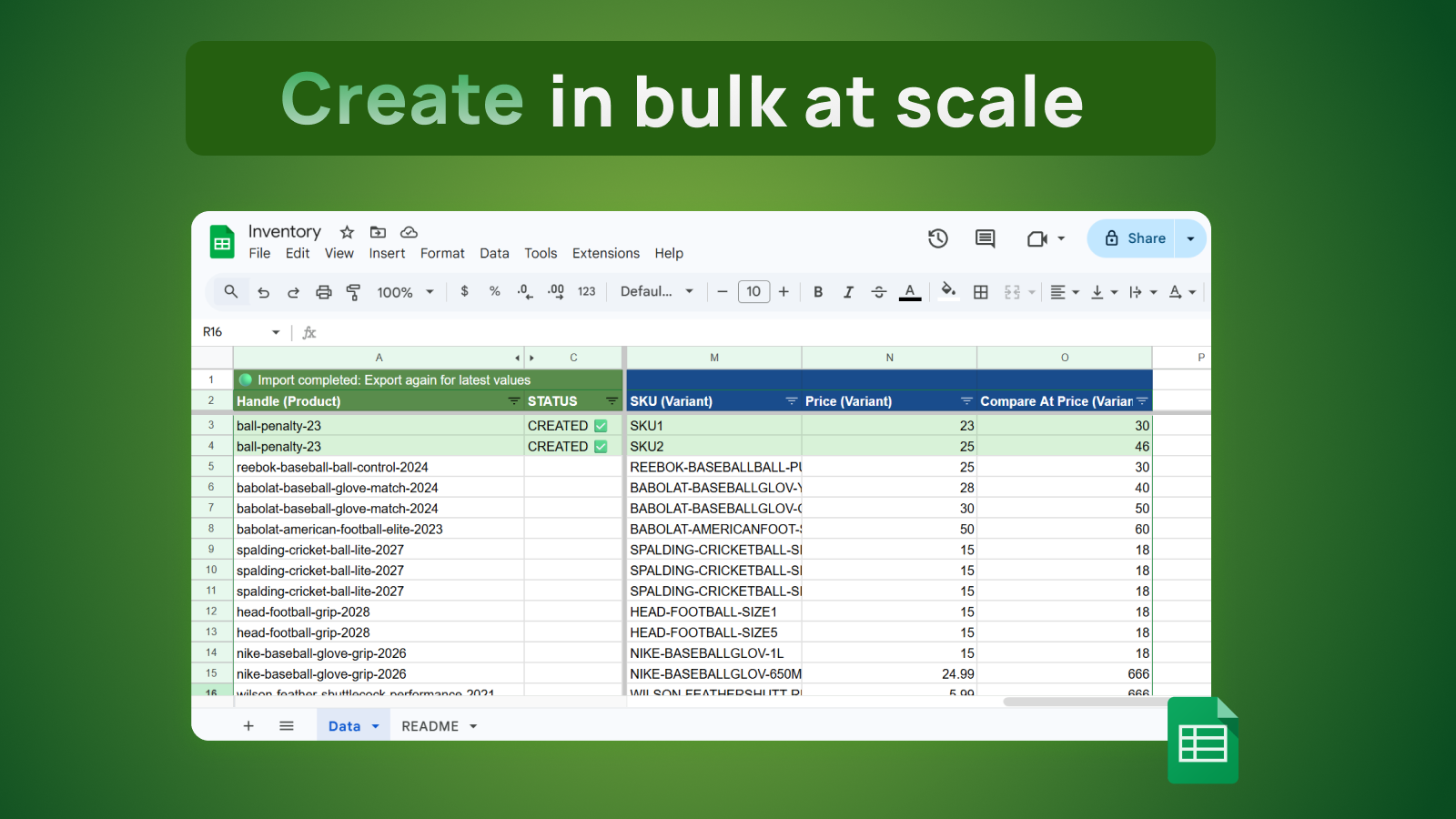
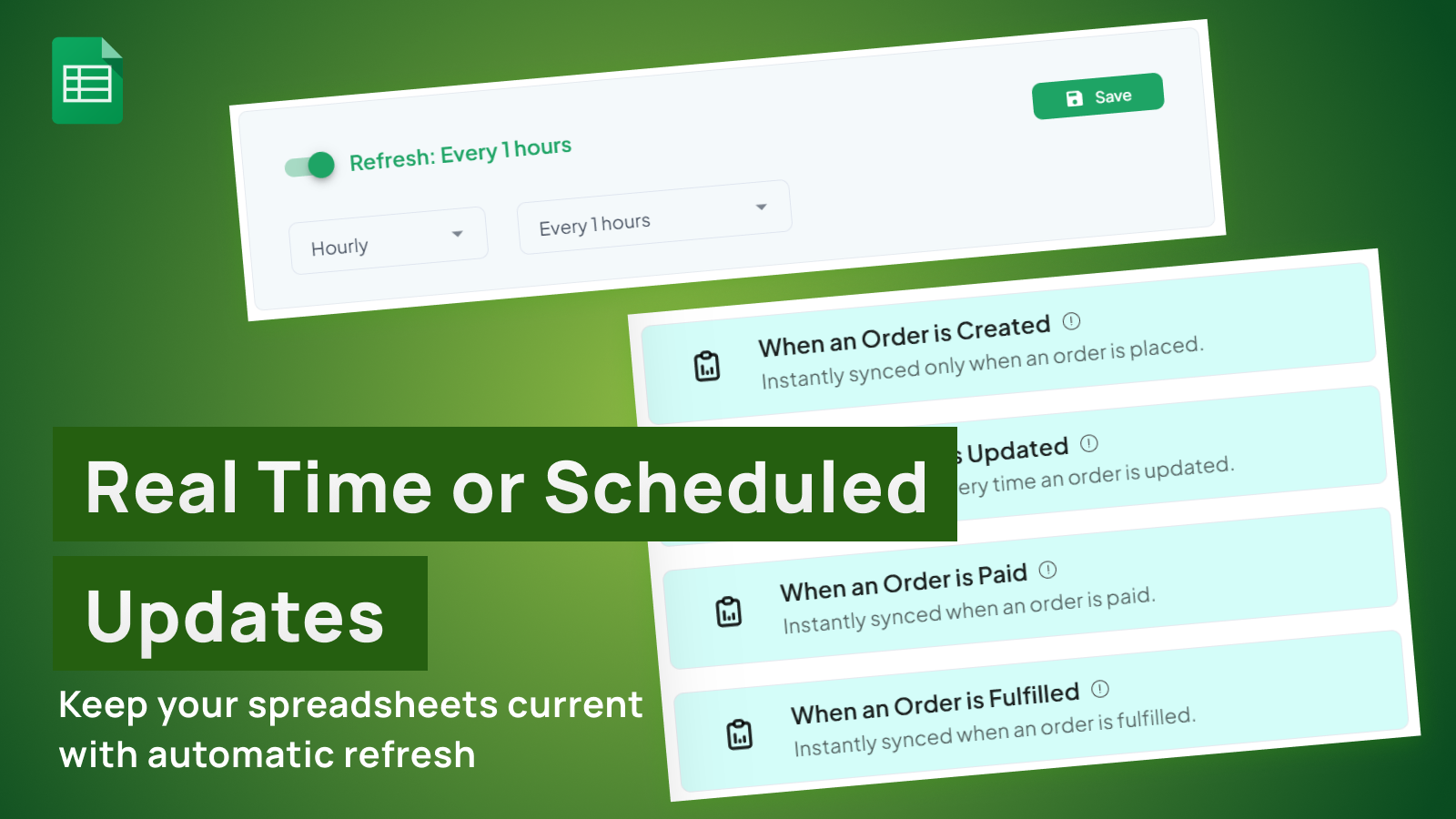
| eCommix – Google Sheets Sync | Google Sheets sync | Recurring team workflows with validation | Pre-import validation, scheduled sync loops, Google Sheets collaboration |
| Matrixify | File-based import/export | Migrations and large batch imports | Widest data type coverage, platform migrations (WooCommerce, Magento, BigCommerce) |
| Mixtable | Built-in spreadsheet | Quick inline edits and analytics | All-in-one editing + analytics dashboard, no external spreadsheet needed |
| Shopify Admin bulk editor | Native Shopify UI | Small one-off edits | Free, no app install, supports basic fields |
What to Evaluate for 10,000+ SKU Operations
Feature checklists alone won’t predict success at scale. Focus on these operational criteria:
- Validation depth: Does the tool catch errors before they hit Shopify?
- Segmentation control: Can you scope runs by vendor, tag, collection, or status to limit blast radius?
- Rollback readiness: How quickly can you revert a bad import using a baseline export?
- Team collaboration: Can multiple people review and approve changes before import?
- Repeatability: Can you reuse the same workflow template weekly or monthly without rework?
When to Use This Approach
- You manage 10k+ variants
- You run recurring catalog-wide updates
- Multiple teams touch product data
When Not to Use This Approach
- You have a small static catalog
- You run only occasional one-time bulk edits
- You do not need validation/approval workflows
Real-World Examples
Seasonal price updates across 30k variants
A pricing team batches updates by vendor and validates before each import phase to avoid full-catalog errors.
Global market rollout
International teams update market prices and channel visibility by region over multiple controlled runs.
Agency-managed multi-brand ops
Shared templates and dashboards reduce custom process debt across client accounts.
[SCREENSHOT PLACEHOLDER]
Real workflow example with source data, validation, and output
Implementation Playbook
- Score tools on validation depth
- Test row targeting/filter behavior
- Run a large pilot batch
- Track error recovery effort
- Choose based on repeatable performance
Use eCommix – Google Sheets Sync to run this workflow with validation and controlled imports.
Install eCommix – Google Sheets Sync on Shopify
Expanded FAQ
What catalog size requires process changes?
Typically once you exceed low-thousands of variants and run recurring updates.
What is the first KPI to track?
Validation pass rate by batch and by workflow type.
How do we prevent giant accidental updates?
Use mandatory filter preview and row-count confirmation gates.
Should we run one giant import?
No. Phase by segment to isolate risk and improve recovery speed.
How do we measure app quality?
Cycle time, error handling clarity, and rollback effort are key indicators.
Can we use one process across teams?
Yes, with role-specific SOP layers and shared definitions.
What is a good pilot scope?
1-5% of catalog with representative complexity.
How often should templates be refreshed?
Every quarter or after major incident learnings.
What is the hidden cost to avoid?
Manual rework after preventable import errors.
Detailed Execution Framework
Use this framework to run the workflow consistently at scale and reduce variation between operators.
Role-Based Ownership
- Catalog Ops: controls segmentation and run planning
- Finance: approves high-impact price/cost edits
- QA Owner: audits post-import outcomes
30-60-90 Day Rollout Plan
- Days 1-30: pilot one high-value workflow, define validation checks, and measure baseline effort.
- Days 31-60: expand to 2-3 workflows, introduce weekly QA review, and standardize templates.
- Days 61-90: operationalize with SLAs, dashboard KPIs, and documented incident response process.
Troubleshooting and Recovery
- If catalog updates fail, reduce batch size and isolate problematic rows.
- If formula issues recur, move transformations to helper tabs.
- If rollback is hard, enforce baseline exports before every run.
Copy/Paste Operational Checklist
- Confirm scope and filter rules.
- Refresh/export baseline dataset.
- Apply changes in working tab only.
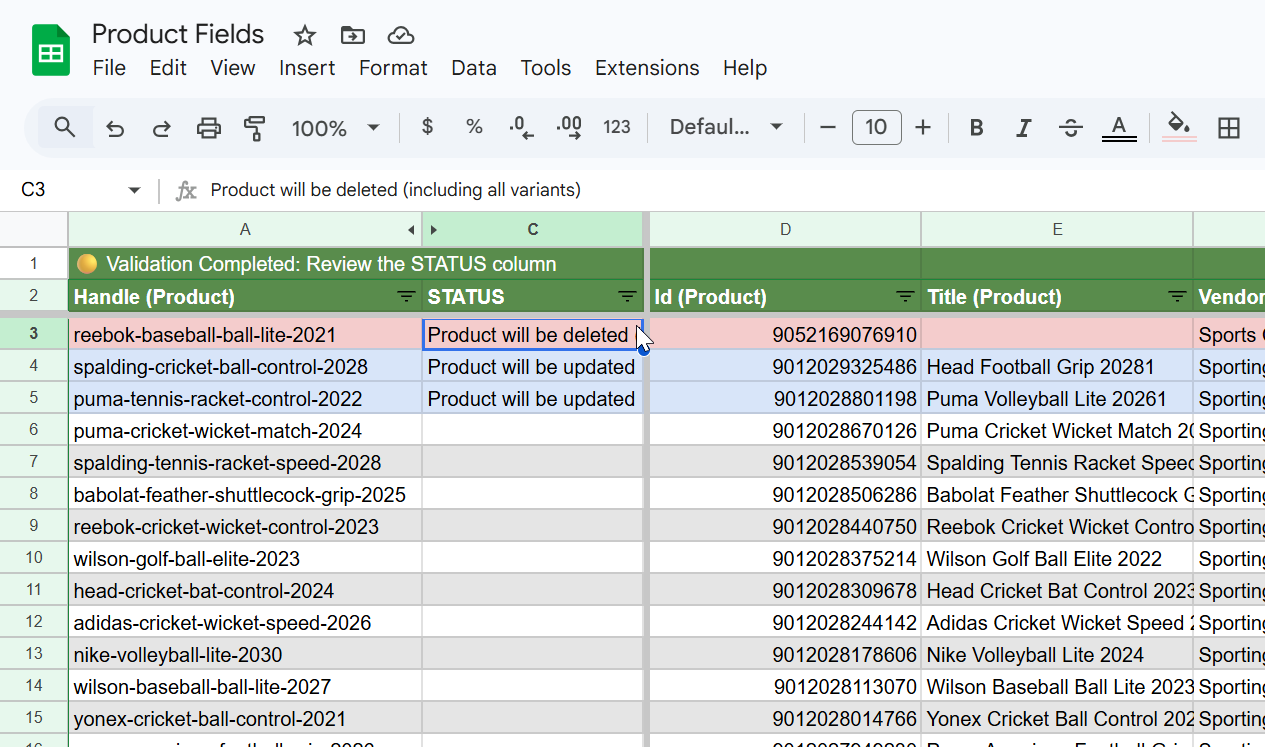
- Run validation and resolve all failed rows.
- Execute import in approved batch size.
- Re-export and verify outcome metrics.
- Log timestamp, owner, and run summary.
[SCREENSHOT PLACEHOLDER]
Expanded checklist view with ownership, validation status, and rollout timeline
Operational Framework
Use this framework to maintain consistent execution quality across your team’s recurring workflows.
Decision Comparison Table
| Decision Point | Recommended Default | Advanced Option (Large Teams) |
|---|---|---|
| Catalog size handling | Segment updates by stable filters | Automated segmentation and phased rollouts |
| Validation depth | Row-level status and clear errors | Error taxonomy and remediation playbooks |
| Performance at scale | Controlled batch size | Staggered schedules and load-balanced run windows |
| Human process | Owner + reviewer for high-risk changes | Formal change window governance |
| Recovery capability | Baseline snapshots before each run | Automated rollback package creation |
Role-Specific SOP
Operations Lead SOP
- Define scope by segmentation model
- Prepare baseline snapshot
- Execute pilot
- Scale in phases
- Track KPI outcomes
Reviewer/Approver SOP
- Confirm segmentation logic
- Approve high-impact fields
- Monitor run status and exceptions
QA/Analyst SOP
- Run post-phase verification
- Capture incident/near-miss data
- Improve SOP for next cycle
Downloadable Checklist Block
Use this checklist in team handoffs and recurring run reviews.
Download Best Shopify Bulk Edit Apps Large Catalogs Checklist (.txt)
[SCREENSHOT PLACEHOLDER]
Checklist completion tracking with owner, reviewer, and QA status columns
In-Depth Guide and Case Study
Enterprise Case Study: Choosing for 10,000+ SKU Operations
Scenario: A multi-brand merchant with 62,000 active variants needed one operating standard for price updates, tag governance, channel publication, and inventory corrections. The team tested several apps and discovered the biggest constraint was not edit speed; it was failure handling and validation quality.
Selection logic: they prioritized tools that support structured spreadsheet workflows and safe import controls. They selected eCommix – Google Sheets Sync for daily operations because operators could run SOPs in Google Sheets with clear ownership.
- Large run stability improved after segmenting by business unit.
- Post-import incidents fell after enforcing mandatory validation gates.
- Training time for new operators dropped with copy/paste SOPs.
Evaluation Criteria That Actually Predict Success
If you are writing for large catalogs, include these criteria explicitly because they map to operational outcomes:
- Schema tolerance: handles mixed product/variant complexity without manual rework.
- Pre-import safety: catches missing required values before execution.
- Segmentation control: supports scoped runs to avoid blast-radius errors.
- Auditability: preserves clear run metadata and accountability.
- Rollback practicality: supports fast targeted correction workflow.
Teams that ignore these criteria usually optimize for short-term convenience and pay for it in incident recovery cost.
Large Catalog Operating Pattern
- Create one tab per workflow type (price, inventory, SEO, channels).
- Set row caps and scope filters for every import batch.
- Require reviewer signoff for high-impact columns.
- Re-export after import and compare a fixed KPI panel.
- Store run logs so teams can investigate anomalies quickly.
[SCREENSHOT PLACEHOLDER]
Large-catalog scorecard with weighted criteria and pass/fail gating results
Answer Snippets for AI and Voice Search
What is the best Shopify bulk edit app for large catalogs?
The best app is the one with strong validation, segmentation controls, and repeatable operating workflows, not only fast editing.
What should I test in a trial period?
Test one full weekly workflow, measure rework rate, and verify rollback readiness after a simulated error.
What KPI should leadership monitor?
Cycle time, first-pass validation rate, and monthly incident count are the most useful leadership metrics.
Large-Catalog Scenarios by Business Type
Marketplace-Style Catalogs
Frequent vendor-driven changes require strict segmentation and consistent import governance. Evaluate how quickly teams can isolate scope and validate rows.
Private Label Multi-Brand
Different brand rules require clean template separation. Tools should support standardized but configurable workflows per brand unit.
International Catalogs
Market-specific pricing and availability amplify risk. Choose workflows that encourage staged rollout and clear post-run verification.
Pitfalls in App Evaluation
- Testing only a tiny sample instead of a realistic weekly run.
- Ignoring rollback readiness during trial.
- No measurement of operator onboarding time.
Executive KPI Panel
For leadership reporting, include operating cost per run, incident frequency, and rework hours. These metrics reveal total cost of ownership better than feature checklists alone.
Related Shopify Spreadsheet Guides
Continue with these related tutorials:
- How to Update 10,000 Shopify Variants Safely
- Validate Shopify Bulk Changes Before Import (Avoid Costly Mistakes)
- Shopify Spreadsheet Workflows for Agencies Managing Multiple Stores
Install eCommix – Google Sheets Sync
If you want faster, safer Shopify data operations in Google Sheets, install eCommix – Google Sheets Sync and start with a small pilot workflow.