 Hernán Demczuk2 min read
Getting Started with eCommix
Install eCommix, connect your Google account, and create your first spreadsheet in minutes.
Read more → 4.8
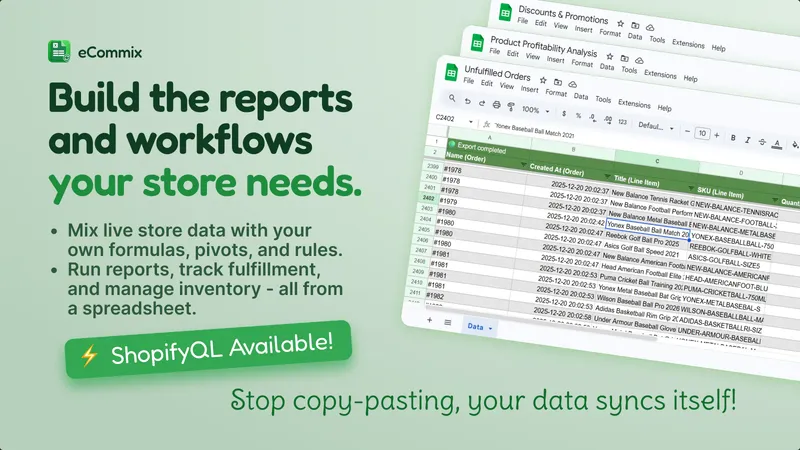
4.8Build the spreadsheet your store needs. Manage large Shopify catalogs from a single spreadsheet - bulk edit prices, inventory, orders, and more. Pull any Shopify report into a spreadsheet.
2,200+ stores installed · Watch demo
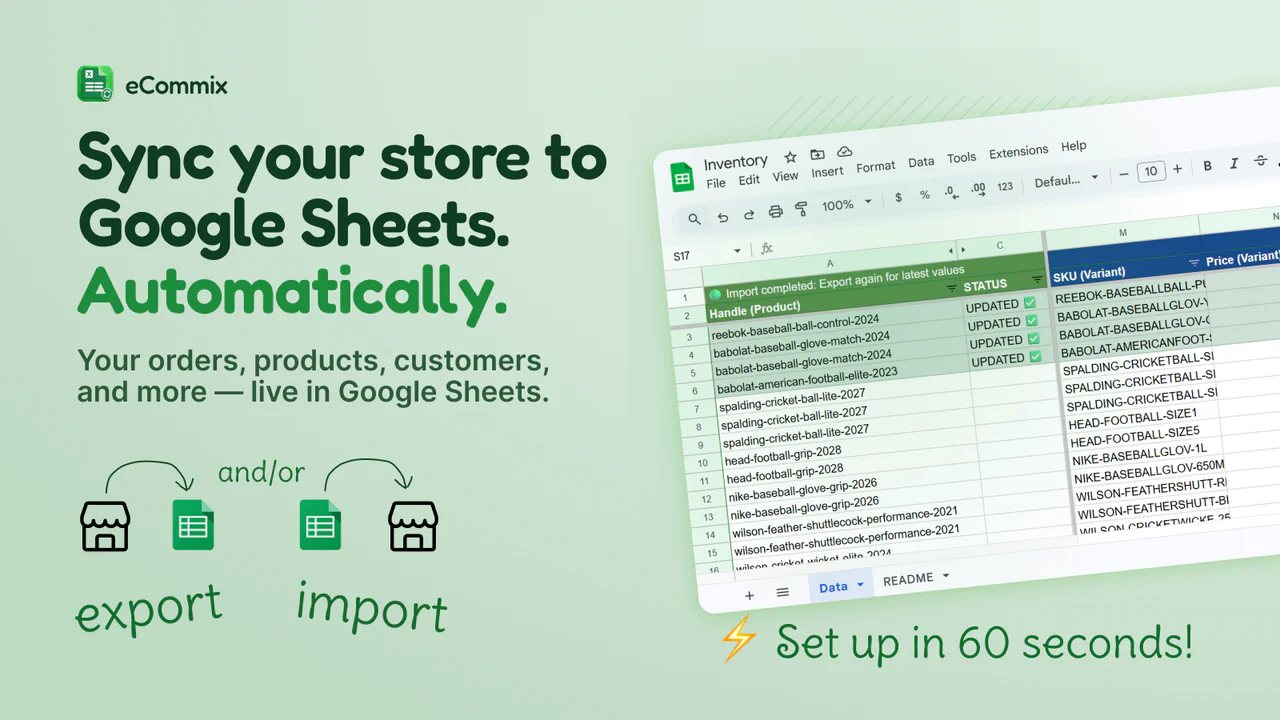
Orders, inventory, customers, metafields - schedule recurring exports or pull on demand. Use Sheets formulas, pivot tables, and charts to analyse your data.
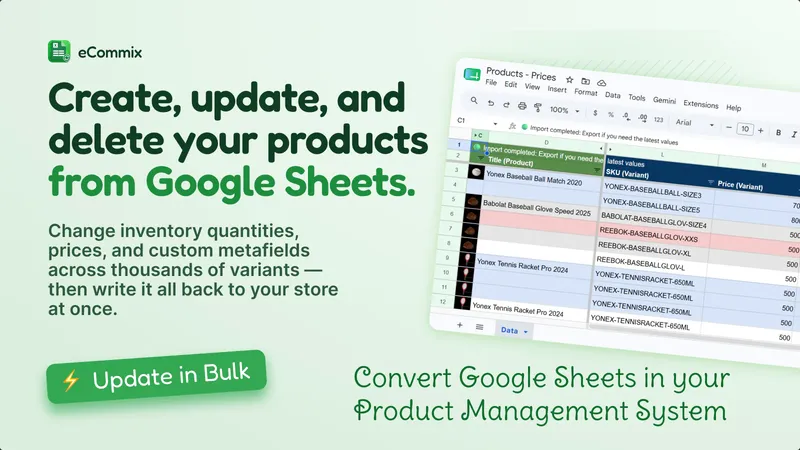
Export any combination of Shopify fields to Google Sheets, edit with formulas or paste-in data, then import back with a single click. No CSV files, no developer help.
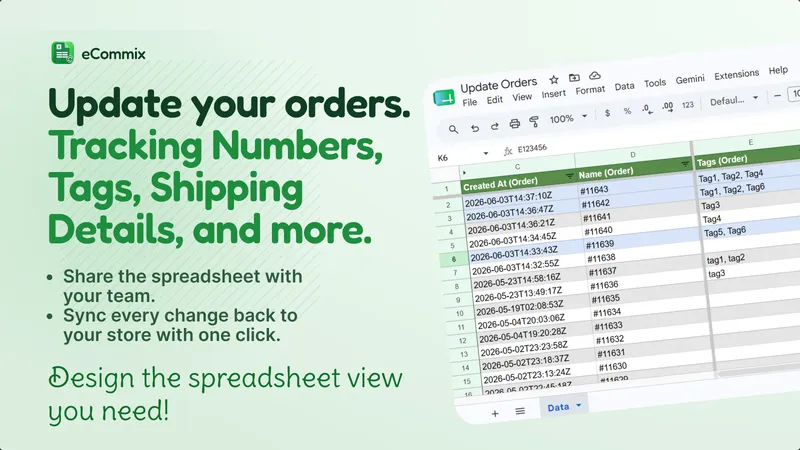
Your fulfillment team, accountants, and suppliers finally manage orders right where they already work - without leaving Google.
Refresh data hourly, daily, weekly, or trigger updates instantly from Shopify events. Keep reports and operational sheets current without manual exports.
Extract custom sales and operational data by writing ShopifyQL queries directly in eCommix. Build tailored spreadsheets for the exact metrics and dimensions your team needs.
Real reviews from the Shopify App Store.
Start with a 7-day free trial.
For small datasets
For growing data needs
For unlimited data
All paid plans include a 7-day free trial · See full comparison →
Hernán Demczuk2 min readInstall eCommix, connect your Google account, and create your first spreadsheet in minutes.
Read more →Hernán Demczuk6 min readStep-by-step guide to exporting Shopify orders, products, inventory, and customers into Google Sheets - on demand or on an automatic schedule.
Read more →Hernán Demczuk8 min readPush edits from Google Sheets back into Shopify. Update products, variants, images, customers, and orders in bulk, with optional validation.
Read more →Hernán Demczuk9 min readLearn which product-level Shopify fields you can import from your own Google Sheets spreadsheet, and the exact format each one expects.
Read more →Hernán Demczuk8 min readLearn how to import Shopify product and variant images from your own Google Sheets spreadsheet, including multiple images per product.
Read more →Hernán Demczuk9 min readLearn which variant-level Shopify fields you can import from your own Google Sheets spreadsheet, and the exact format each one expects.
Read more →Hernán Demczuk17 min readStep-by-step guide to importing an existing Google Sheets spreadsheet into Shopify - map your own columns to Shopify fields and create or update records in bulk.
Read more →Hernán Demczuk4 min readLearn how to update Shopify order tags and fulfillment tracking information in bulk using Google Sheets and eCommix.
Read more →Hernán Demczuk3 min readLearn how to create new Shopify customers in bulk using Google Sheets and eCommix.
Read more →