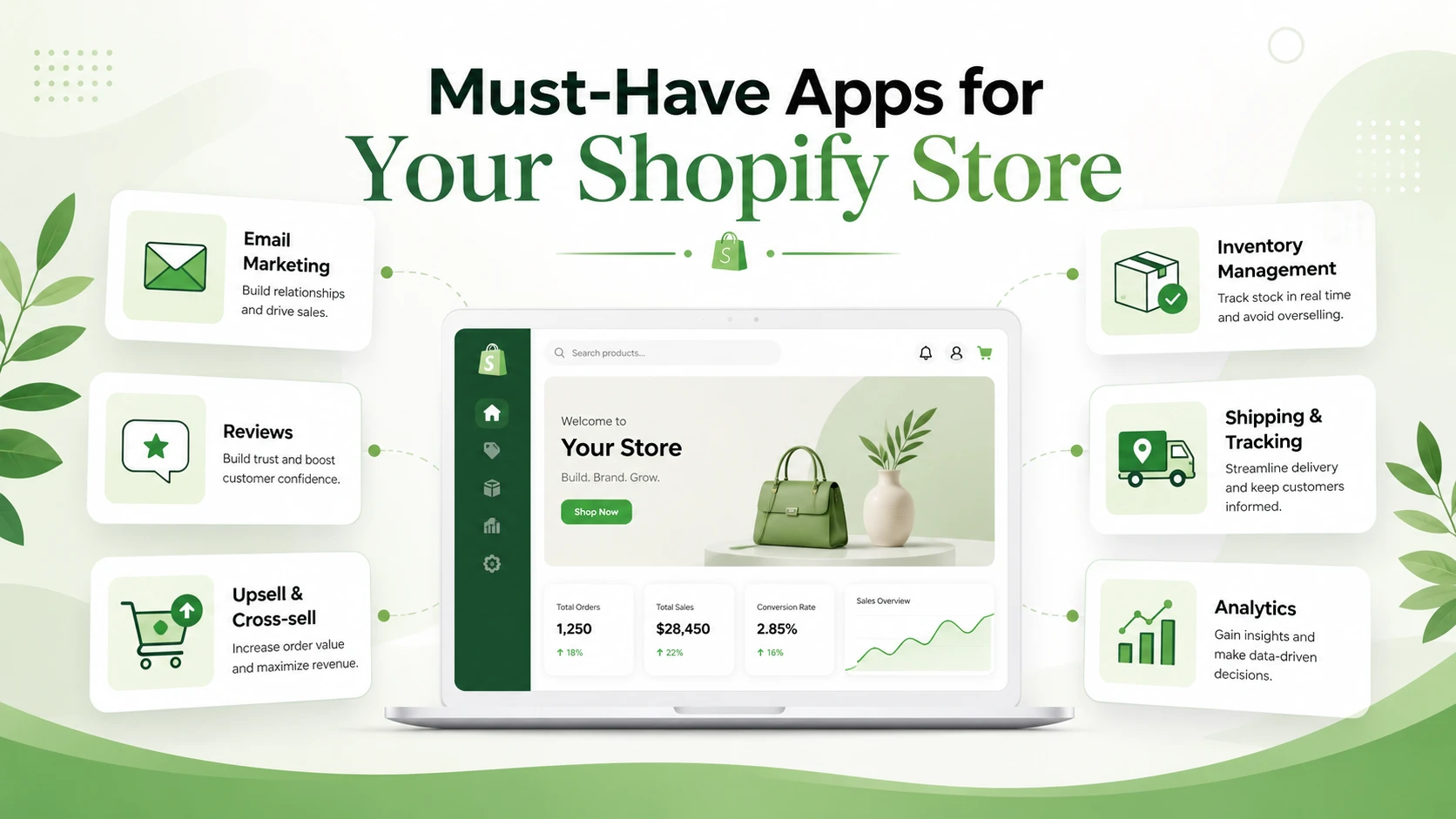
Most "best Shopify apps" posts are the same list over and over again, and a lot of them feel like they were assembled by someone who has never actually had to deal with a real store.
So instead of doing the usual giant roundup, I wanted to keep this one tighter and focus on a smaller group of apps that solve pretty specific problems. Some are for operations, some are for conversion, and some are just the kind of tools that make you think, "yeah, that should probably exist."
I also tried to avoid fluff here. I looked at what each app actually claims to do, and the list below is basically the version I'd send a friend who asked for useful Shopify app ideas without wanting the same old recommendations.
Syncost
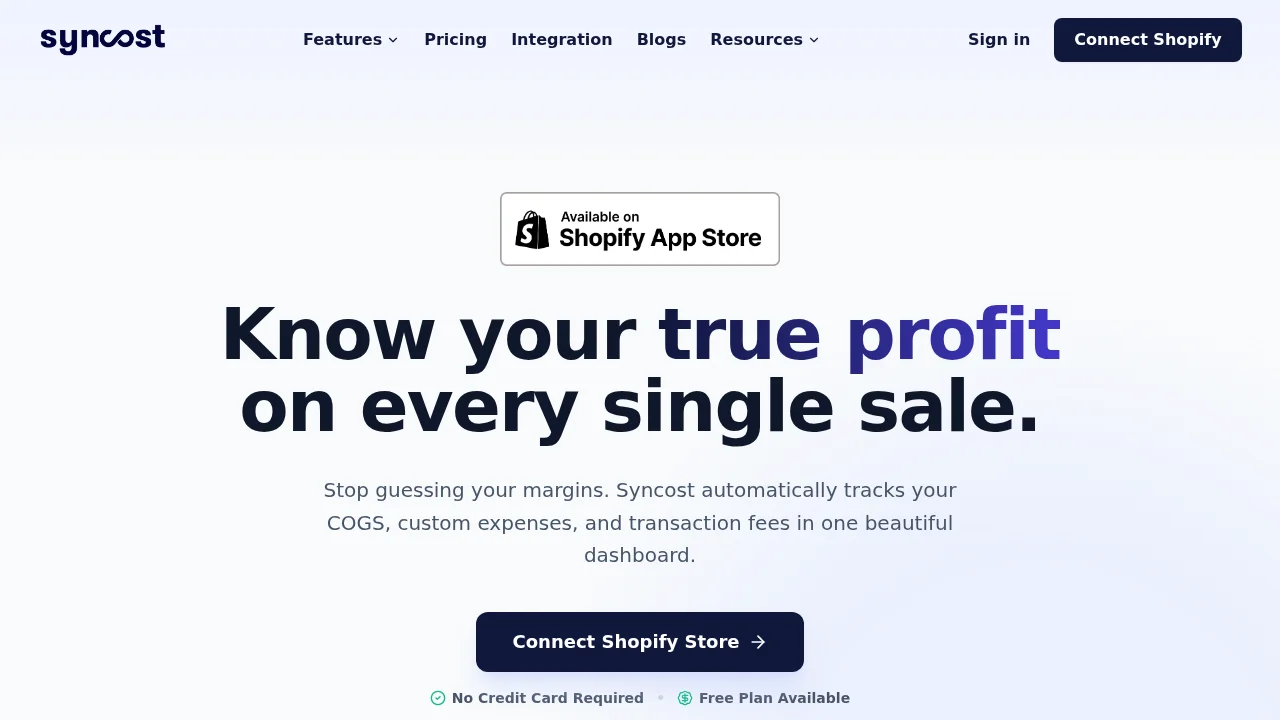
Syncost is for merchants who are tired of pretending revenue is the same thing as profit. What I liked here is that it tries to pull the messy parts into one place: Shopify sales, COGS, shipping, transaction fees, refunds, ad spend, and even POD costs from tools like Printify and Printful. That makes it a lot more useful than a basic dashboard that just tells you sales went up while your margins quietly disappeared. If you run paid traffic, this is the kind of app that helps answer whether a campaign is actually making money or just creating noisy top-line numbers.
Claimify
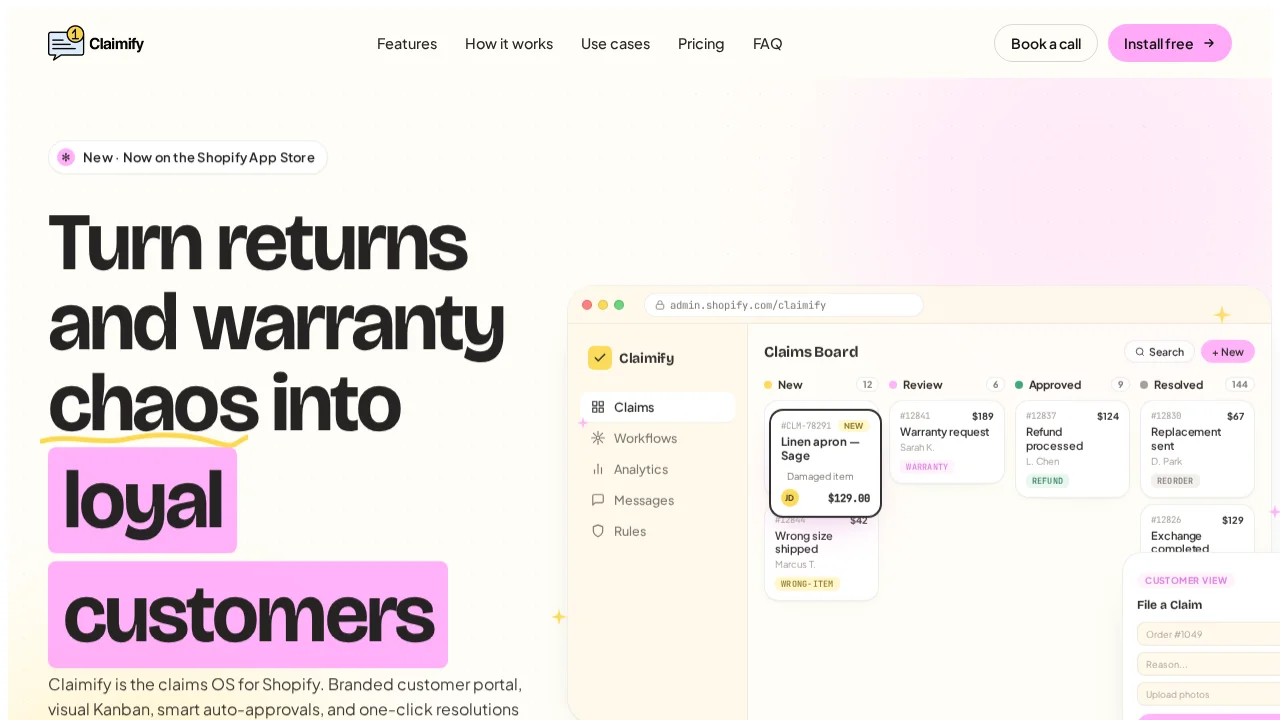
Claimify is one of the more interesting ones in this list because it focuses on claims, returns, warranty issues, and refund handling as an actual workflow problem instead of just another inbox problem. It gives merchants a branded portal, a Kanban-style claims board, auto-approval rules, and one-click resolutions inside Shopify. That sounds especially useful for stores that are currently handling returns through a mix of email threads, support tickets, and manual policy checks. If your post-purchase ops are messy, this feels a lot more serious than "just install a returns app."
Wapp
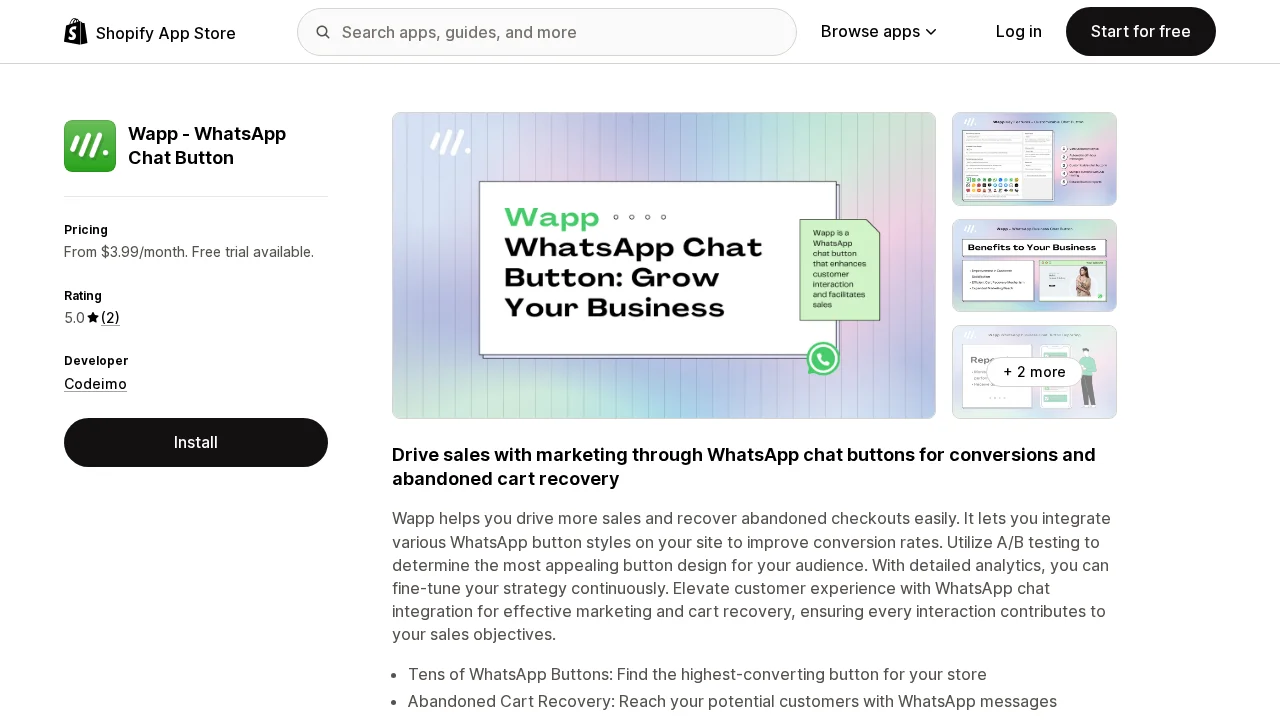
Wapp is built around WhatsApp chat buttons and abandoned cart recovery, which makes sense for stores selling into markets where WhatsApp is already a normal part of how customers ask questions before buying. It offers different button styles, A/B testing, reporting, and cart recovery messaging through WhatsApp. I can see this being genuinely useful for stores that get a lot of pre-purchase hesitation and want a lower-friction contact channel than email forms or generic live chat.
Cartify
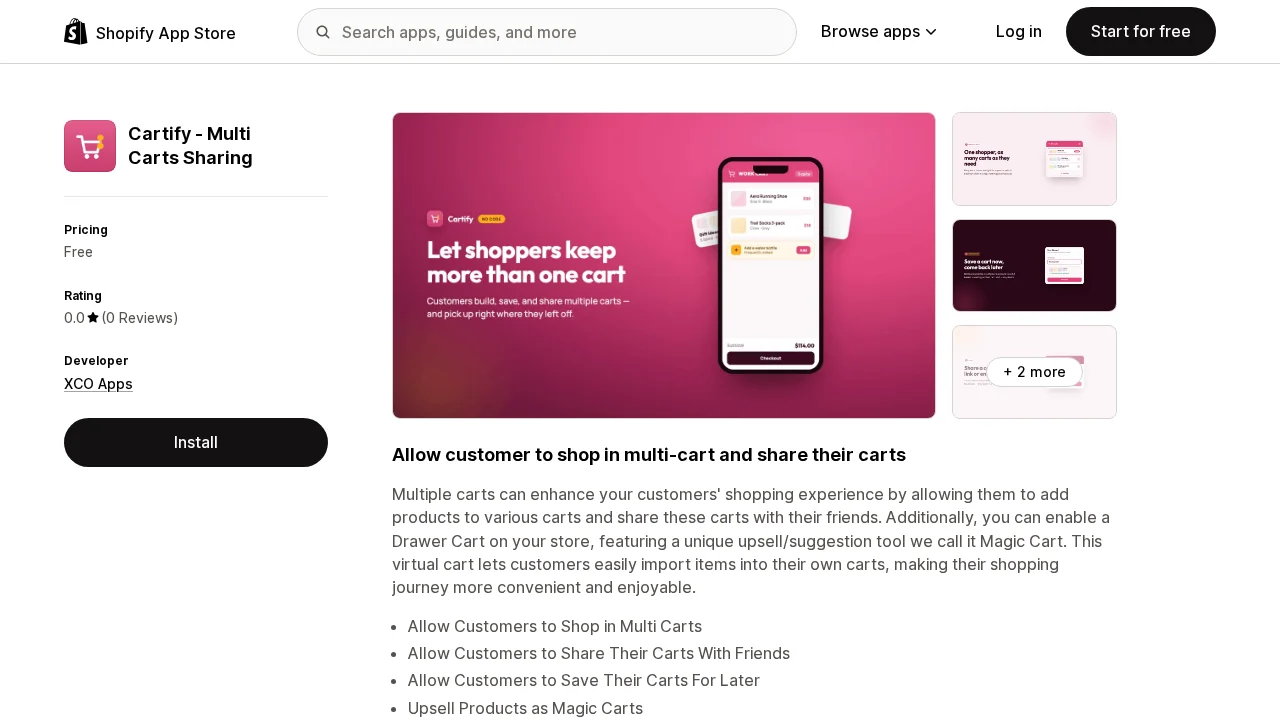
Cartify is a weird one in a good way. Instead of treating the cart like a single temporary holding area, it lets customers work with multiple carts, save carts for later, and share them with friends. It also includes a drawer cart and an upsell feature it calls Magic Cart. This feels especially relevant for stores where people shop collaboratively, build bundles, plan purchases over time, or want to send someone a ready-made cart instead of a bunch of product links.
Maestro Theme Scheduler
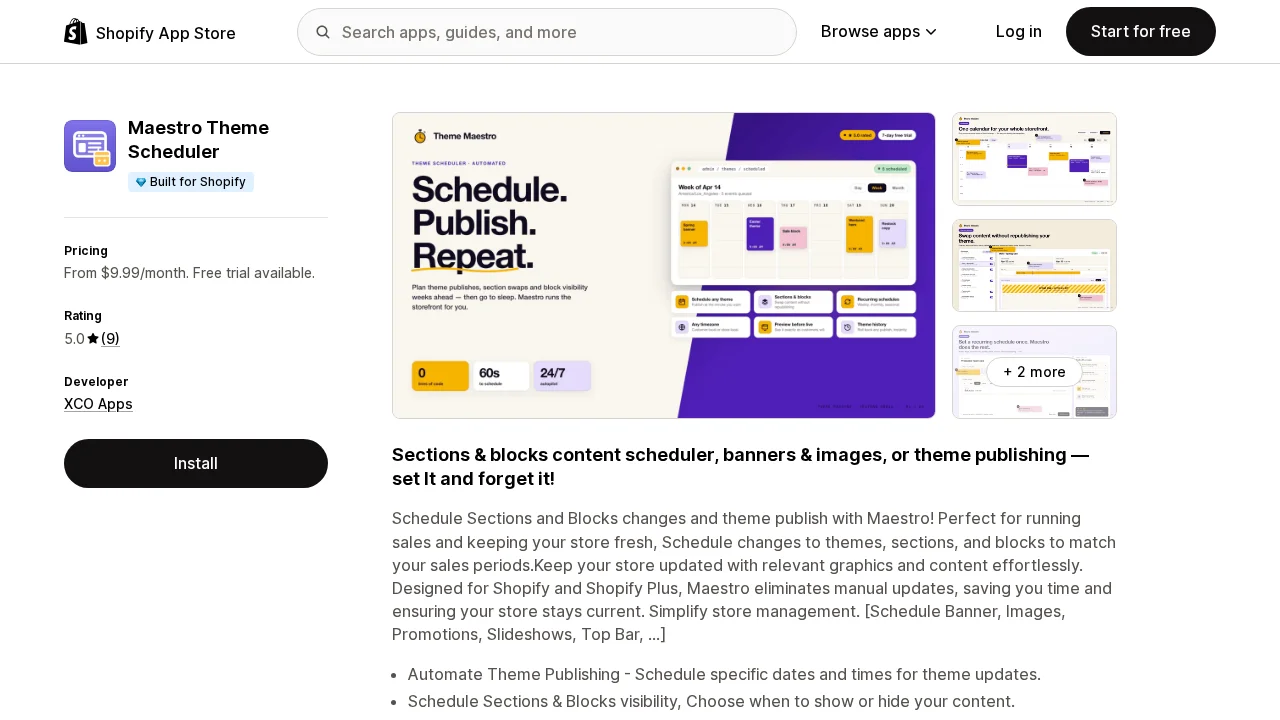
Maestro Theme Scheduler solves a very real annoyance for stores that run frequent promos, seasonal launches, homepage swaps, or time-sensitive merchandising updates. The useful part is that it does more than just schedule full theme publishes. It can also schedule visibility and content changes for sections and blocks, which is a lot cleaner than duplicating themes or staying up late to manually publish something at midnight. If your store changes often, this is the kind of automation that saves more headaches than people expect.
ORDA
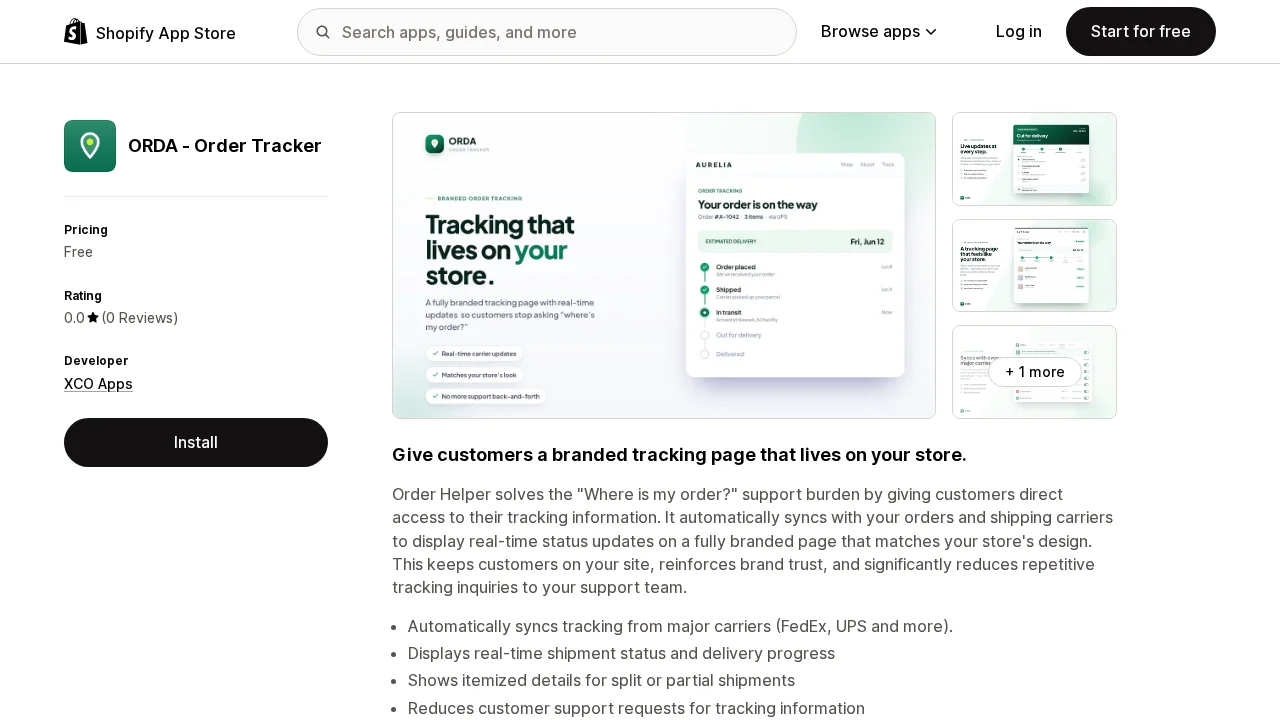
ORDA is an order tracking app, but the angle is pretty practical: give customers a branded tracking page on your own store and reduce the endless "where is my order?" support loop. It syncs tracking from major carriers, shows real-time delivery status, and can handle split shipments too. That might sound simple, but for stores doing any real order volume, reducing repetitive tracking tickets is not a small win.
Quiz Buddy
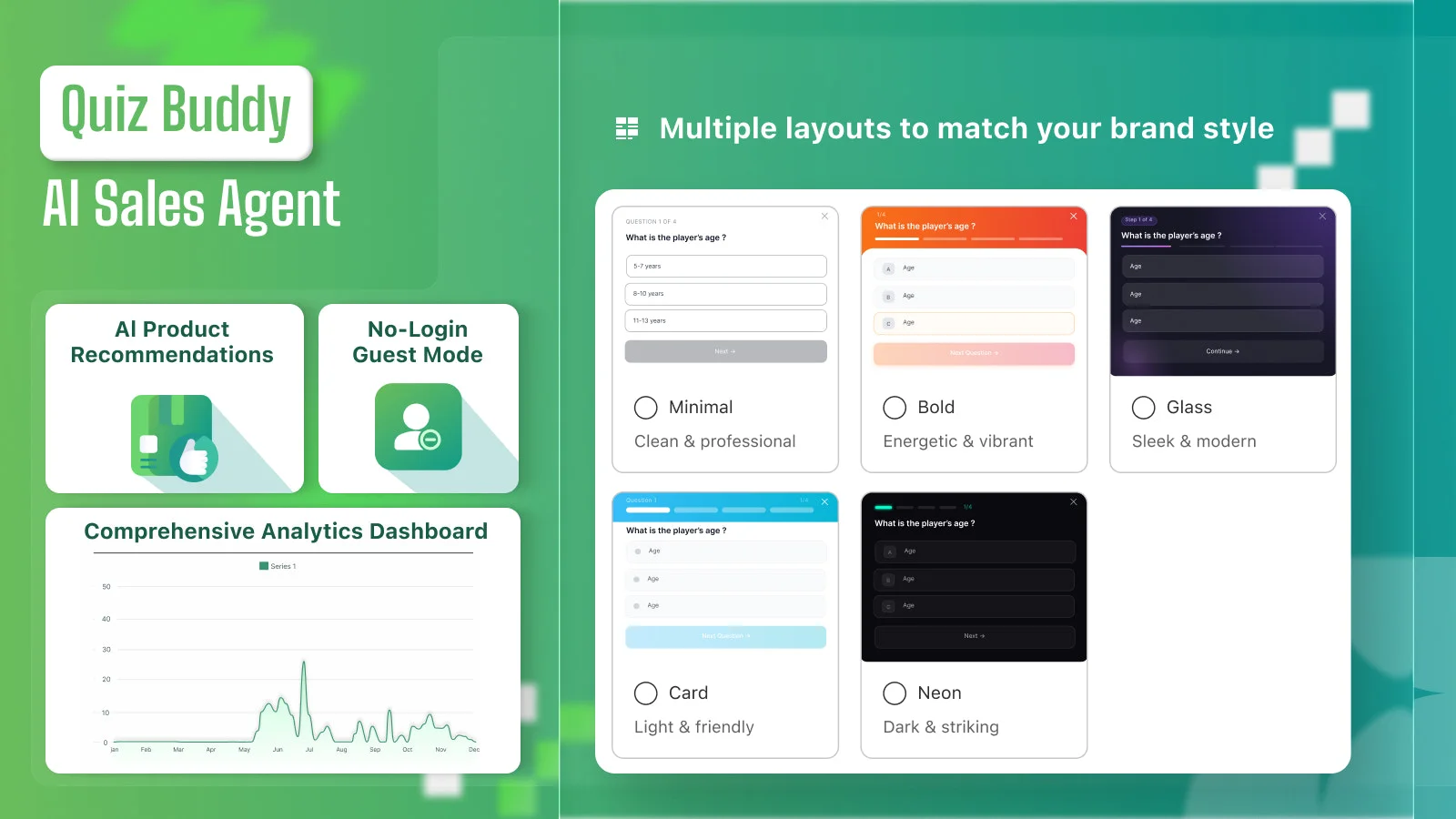
Quiz Buddy is for merchants who want to make product discovery more interactive instead of just hoping customers browse their way to the right item. It lets you build product quizzes, manage custom Q&A, and even offer discounts based on quiz results. That could work well for stores where buyers need a little guidance before choosing, especially in categories where education or matching matters more than impulse buying.
Subsell
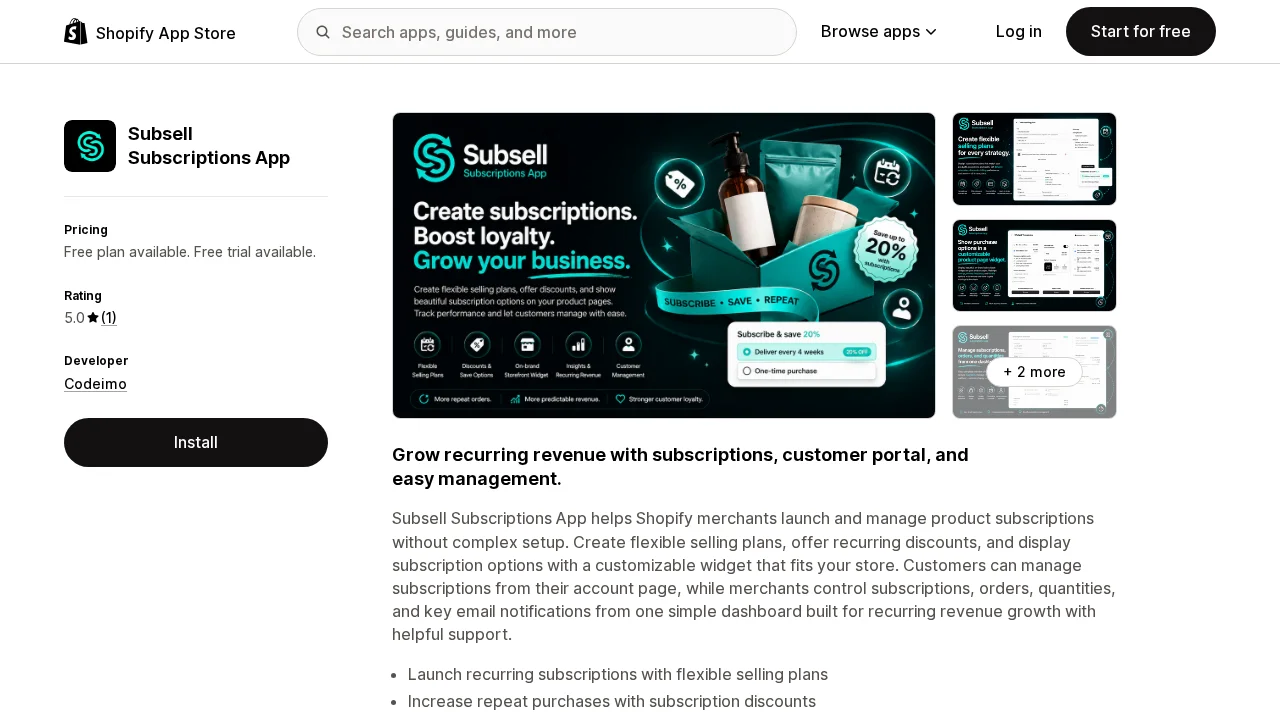
Subsell is the subscriptions pick here. It handles flexible selling plans, recurring discounts, subscription widgets on product pages, and a customer-facing portal where people can manage their own subscriptions. A lot of subscription tools feel heavy or overbuilt, so I get the appeal of one that looks like it's aiming for a simpler setup. If you sell products people reorder on a schedule, this is the kind of app that can turn one-off buyers into something more predictable.
Quick Notice ‑ Announcements
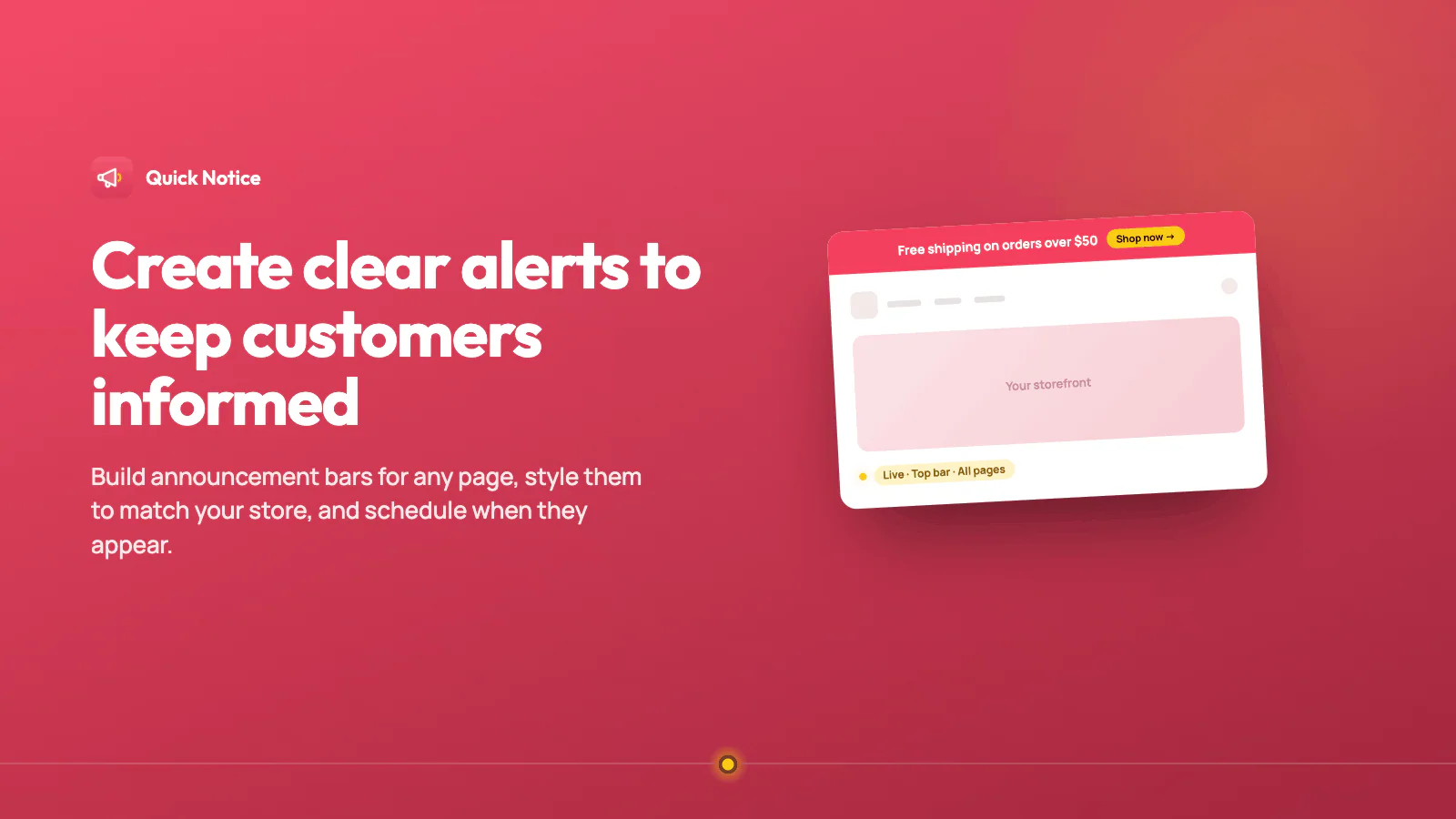
Quick Notice ‑ Announcements is a small app that solves a small but constant problem: getting a clear message in front of customers without touching theme code. It lets you build announcement bars, promotional banners, and countdowns, with scheduling so a notice can start and stop on its own and enough customization to keep it on-brand. It is not trying to be a full marketing suite, and that is kind of the point. If you just need to tell shoppers about a shipping delay, a flash sale, or a policy change without opening a developer ticket, this covers it.
Mage Loyalty
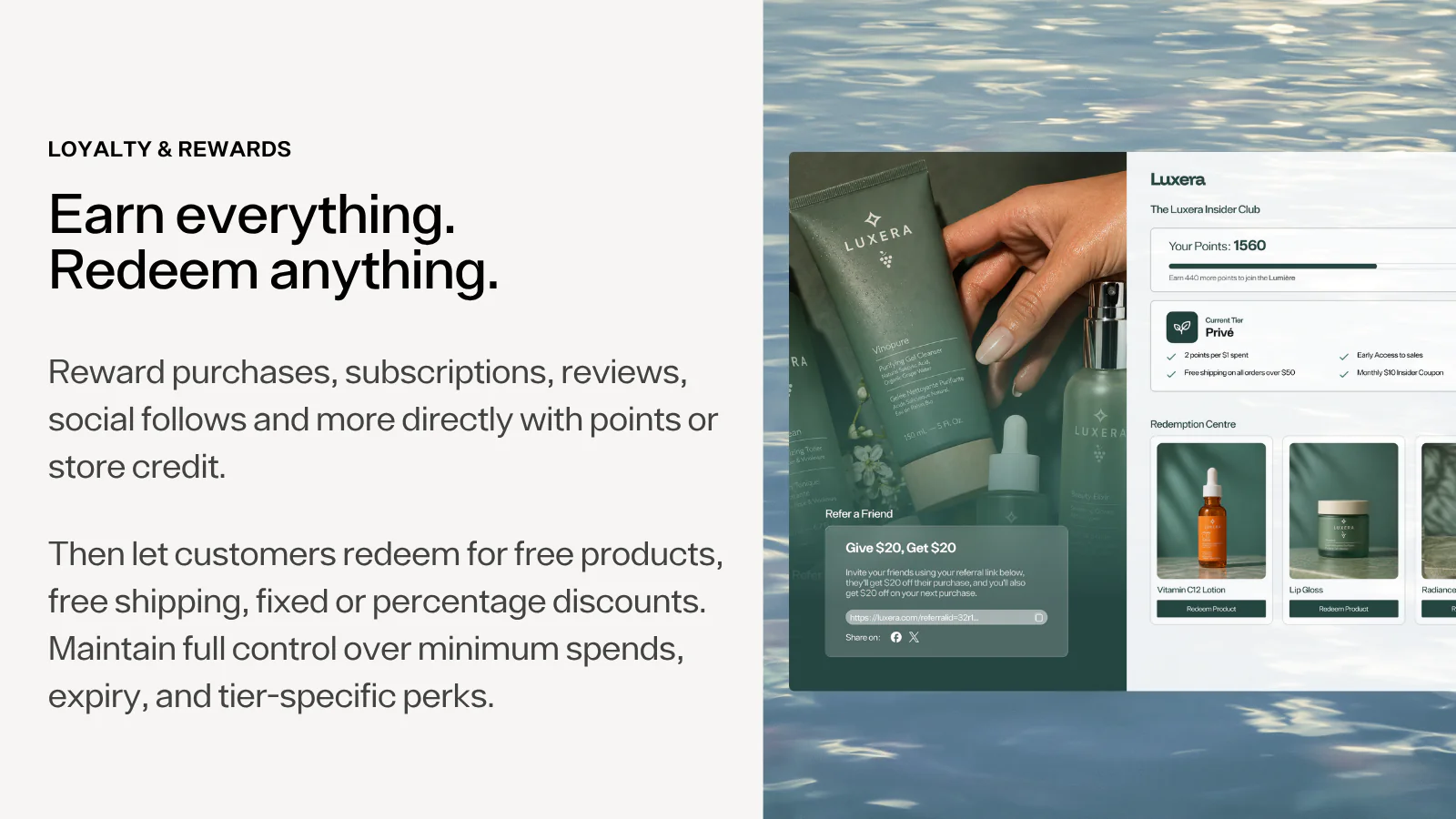
Mage Loyalty is a loyalty and rewards app built around the idea that points programs do not have to look like they were bolted on in 2012. Customers earn points for purchases, social engagement, and other actions, then redeem them for discounts, free shipping, or products, with VIP tiers for the customers worth keeping happy. It also plugs into tools stores already use, like Klaviyo, Yotpo, and Recharge, instead of asking you to rebuild your stack around it. If repeat purchases matter more to your margins than one-off sales, this is worth a look. You can also find it on the Shopify App Store.
Why these stood out
What I liked about this group is that they are not all trying to solve the exact same generic Shopify problems. One is about actual profit visibility. One is about claims operations. One is about WhatsApp recovery. One is about multi-cart behavior. One is about scheduled theme control. One reduces tracking tickets. One adds guided product discovery. One helps build recurring revenue. One keeps customers informed with clear alerts. One turns repeat buyers into a loyalty program.
That makes the list feel a bit more real to me. These are not ten copies of the same reviews app or upsell widget with different branding. They're ten tools aimed at very different parts of running a store.
How to choose
A few things I'd keep in mind before installing anything:
- Pick based on the bottleneck you actually have, not the feature list that sounds the most impressive.
- If an app touches operations, like claims, subscriptions, or tracking, think about workflow fit as much as storefront features.
- If an app touches conversion, like quizzes, WhatsApp, or cart behavior, make sure it fits how your customers already shop.
- And as always, remove the apps you test and do not keep. Shopify stores get cluttered fast.
FAQ
Do I need all of these apps at once?
No. Definitely not. This is more of an ideas list than a stack recommendation. Most stores would only need one or two of these depending on what stage they're at.
Will adding more apps slow down my store?
Sometimes yes, which is why I prefer narrower tools that solve a real problem over installing a bunch of stuff "just in case."
Did you pick these because they're the biggest apps in Shopify?
No, kind of the opposite. I picked them because they looked useful, specific, and a little less recycled than the usual giant-name app lists.